
Getting started
Notifiable Documentation







Notifiable is a push notification service for the apps you build. Connect an app, register its users and devices, then send, schedule, and automate notifications from the dashboard or API.
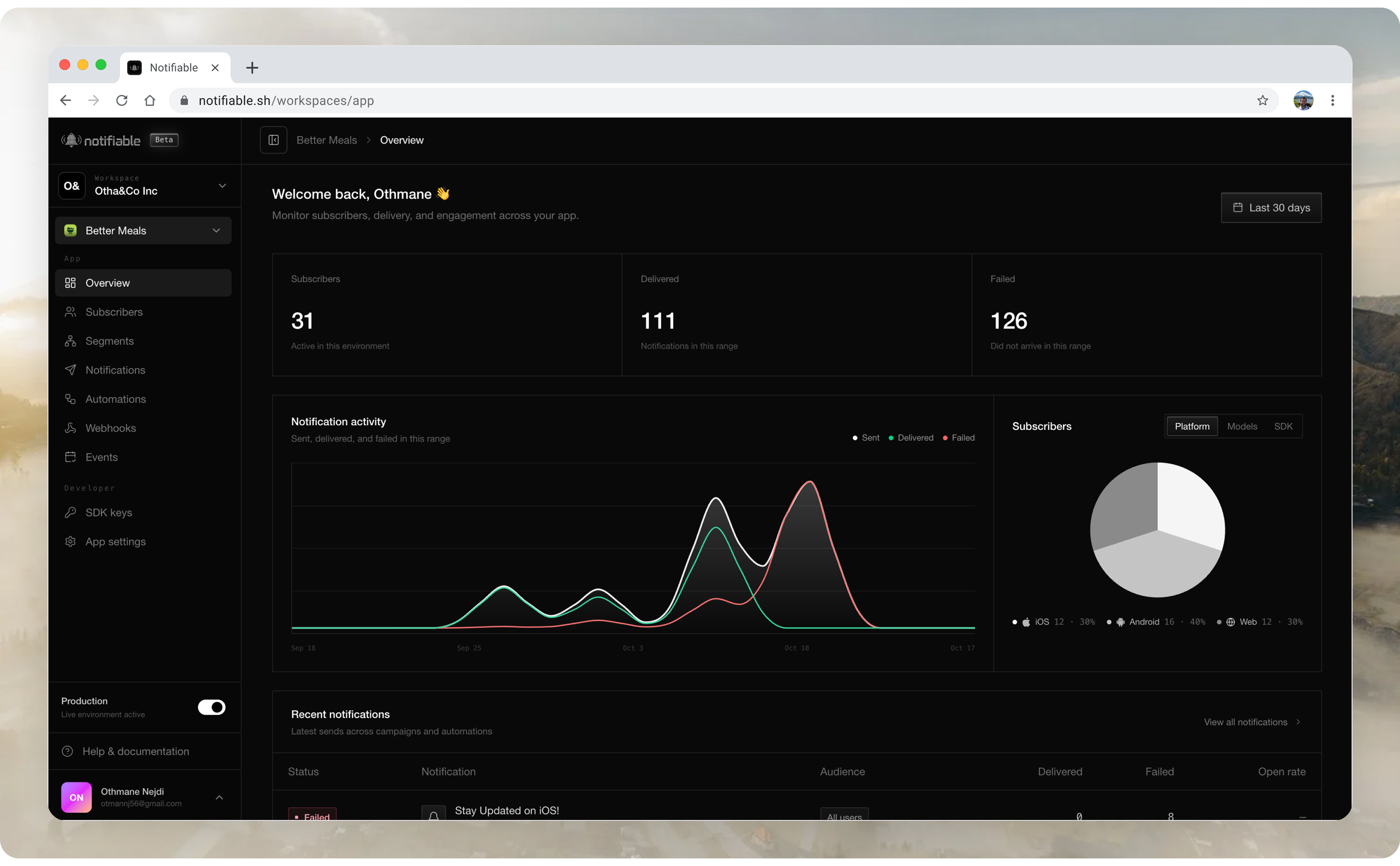
How it works
- Add Notifiable to your app and ask the user for permission.
- Identify the user once. Notifiable keeps the device and the push token up to date.
- Send a message now, schedule it, or let an event in your app send it.
- See what was delivered, opened, and failed.
Start here
If this is your first app, follow this path:
- Create an app and choose the client platform.
- Explore the dashboard so you know which app and environment you are changing.
- Configure delivery for the platforms you ship.
- Install the SDK and capture a test subscriber.
- Send a development notification.
- Move to production after the complete delivery loop works.
Understand the building blocks
- Subscribers are the people and devices your app can reach.
- Segments are reusable audiences built from subscriber data and behavior.
- Notifications are messages sent now or scheduled for later.
- Events describe something that happened in your app.
- Automations start repeatable workflows from an event, schedule, or manual trigger.
- Webhooks send Notifiable activity to your backend.
- Development and production keep test data away from real users.
Integrate
Install the SDK for your stack, request permission, and identify the user. After that, send from the dashboard or the API. Notifiable handles registration, tokens, delivery, scheduling, and outcomes.
Android and web delivery are included. For iOS, connect your Apple Developer account once.
It works with Expo, React Native, Flutter, Swift, Kotlin, and Web. Any backend can send through the API.
Not sure which integration matches your client? Choose a platform.