
Learn
Build an automation







On this page
An automation is a workflow that waits for a trigger and then performs one or more steps. Use it for repeatable behavior such as onboarding, reminders, or a message after an application event.
Automation or scheduled notification?
Use a scheduled notification when one message should go out once. Use an automation when a trigger should start the same logic repeatedly for different subscribers or at different times.
Create the workflow
- Open Automations.
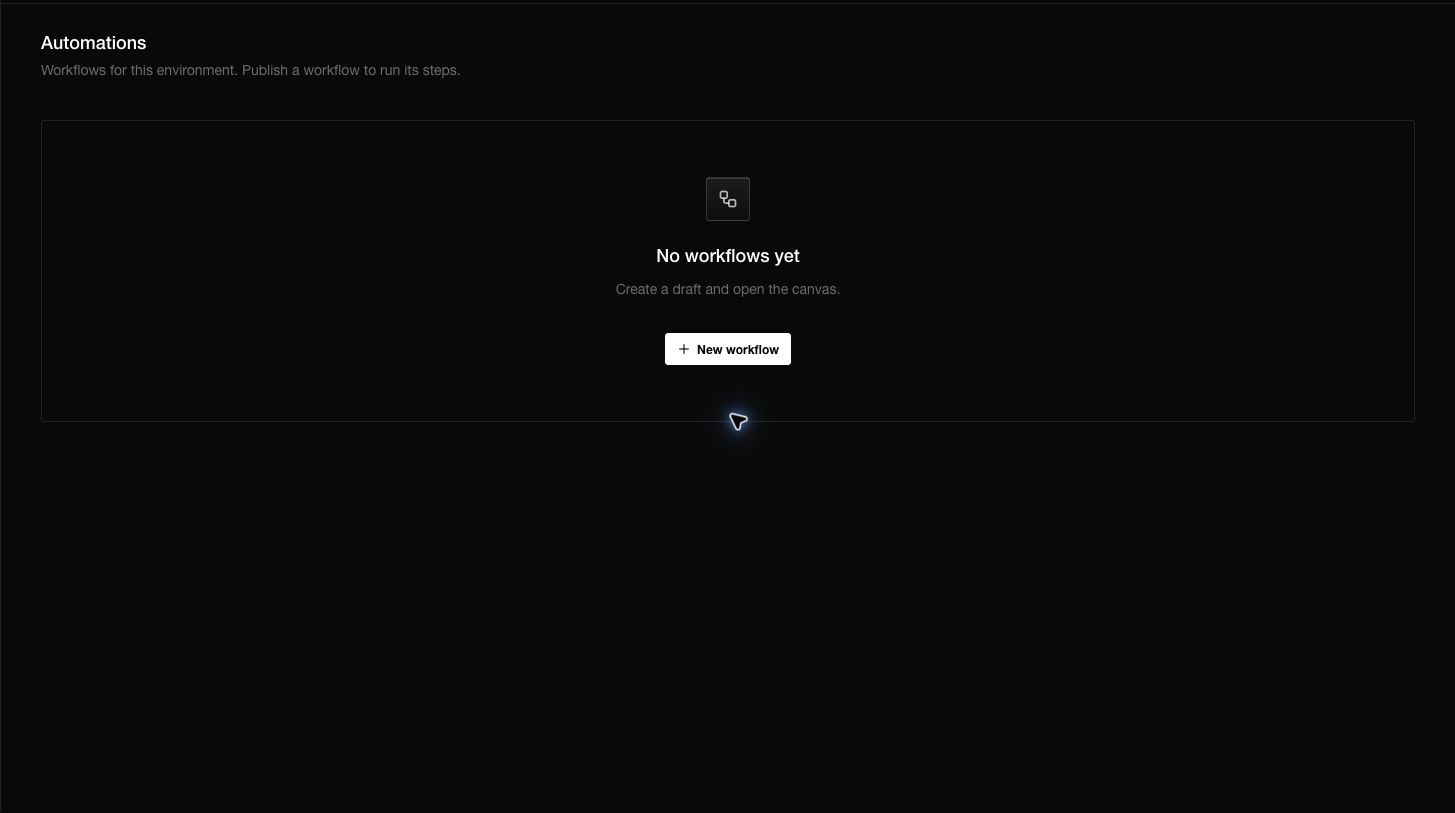
- Choose New workflow. Notifiable creates a draft and opens the canvas.
- Name the workflow after the outcome, such as
Trial welcome. - Add one trigger.
- Add actions and connect them in the order they should run.
- Configure every step and resolve validation messages.
- Test in development.
- Publish only when the workflow is ready to run.
Available triggers can include a manual click, a schedule, or an event recorded by your app. A workflow remains a draft until it is published.
Use an event trigger
Choose a stable event name such as trial_started or order_shipped. Record it from the app or server with the subscriber identity and any properties the workflow needs.
Recording an event does not send by itself. The event appears in the event log; a published workflow with a matching trigger decides what happens next.
Test safely
Keep the dashboard in Development and use a test subscriber. Trigger the workflow once, then inspect the run and notification outcome. Verify delays and branches without shortening them in production-only logic.
Publish, pause, and edit
Publishing enables new matching triggers. Pause an automation when you need to stop new runs without deleting its definition. When editing a live workflow, check how the product treats runs that already started before relying on the new graph.
Questions you may have
Why did my event not start the automation?
Confirm the environment, exact event name, published state, subscriber identity, and trigger conditions.
Why is the canvas empty?
A new workflow starts as a blank draft. Add a trigger before actions.
Should I use a webhook instead?
A workflow performs Notifiable actions. A webhook sends an event to your own backend.
Can an AI agent build a workflow?
It can help design the graph or call documented APIs with authorized credentials. Review the audience, timing, and message before publishing.