
Learn
Build an audience







On this page
A segment is a saved audience inside one app and one environment. It answers the question: which subscribers match these conditions right now?
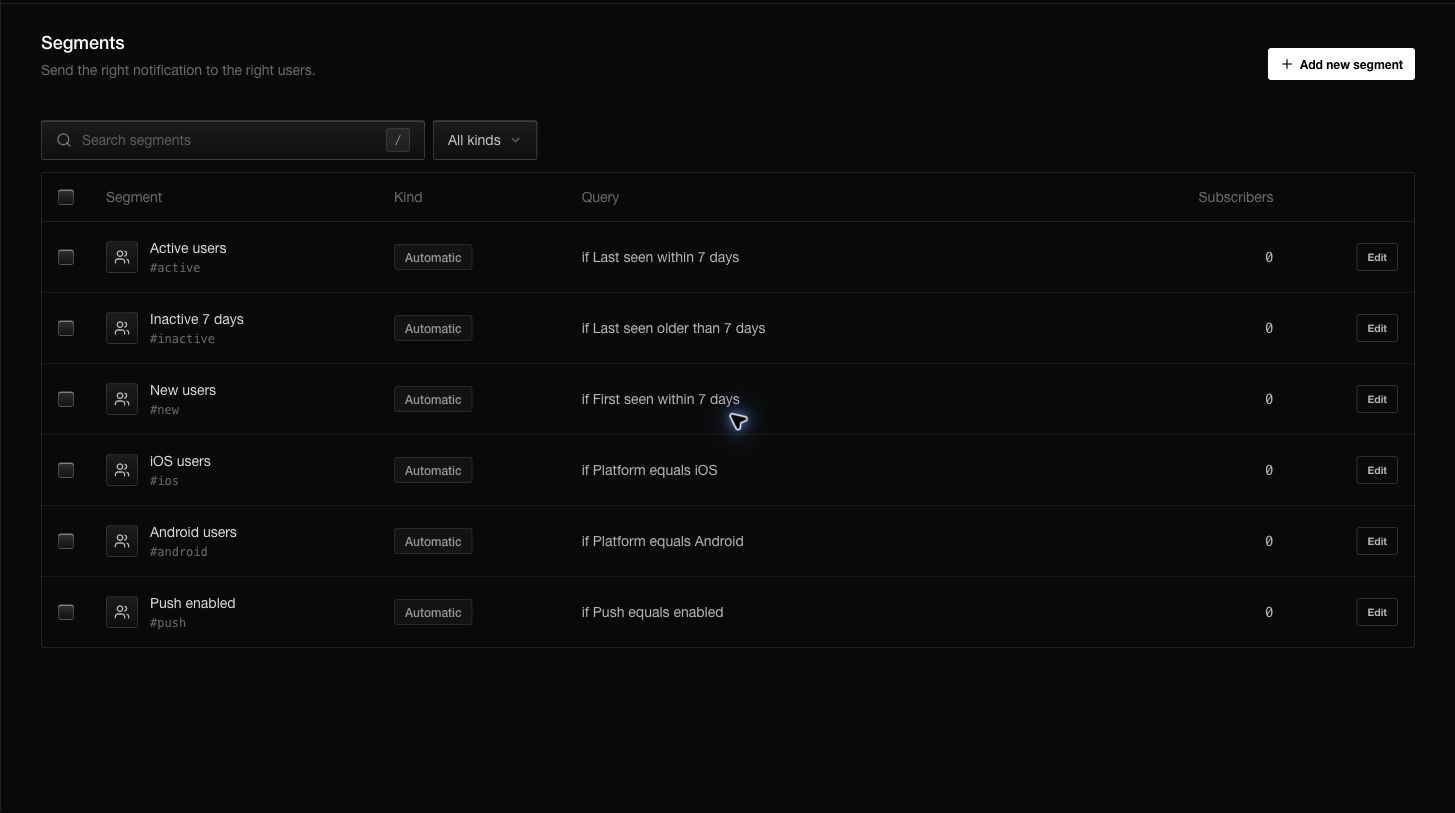
Start with automatic audiences
Every new app includes useful automatic segments:
- Active users: seen within the last 7 days.
- Inactive 7 days: last seen more than 7 days ago.
- New users: first seen within the last 7 days.
- iOS users.
- Android users.
- Push enabled.
The subscriber count beside each segment is calculated from the current environment.
Create a custom segment
- Open Segments.
- Choose Add new segment.
- Give the audience a name that explains its purpose.
- Add the first condition.
- Add more conditions when every condition must match.
- Check the live matching count.
- Save the segment.
Conditions can use identity, platform, SDK, push permission, status, device details, location, activity dates, attributes, tags, and recorded event names. An attribute can use a dotted path such as plan.trial.
Design segments that stay understandable
Prefer names such as Trial ending this week or Android beta testers over internal abbreviations. Start with one or two conditions and verify the count before adding more.
All conditions in a custom segment must match. If the count unexpectedly becomes zero, remove the newest condition first and check whether the underlying subscriber field is present.
Use a segment
Open a segment to review its conditions and current count. From there you can start a notification or use the audience in an automation. A notification freezes its accepted audience when it is sent or scheduled; later segment edits do not rewrite that accepted send.
Questions you may have
Why is the count different in production?
Segments never cross environments. Production contains a different subscriber population.
Does deleting a segment delete subscribers?
No. It removes the saved audience definition only.
Can I target an event without creating a segment?
The notification composer can target an event name directly. Create a segment when you want a reusable audience with several conditions.
Why does a subscriber not match?
Open the subscriber and compare every required field with every segment condition, including capitalization, dates, and environment.