
Learn
Manage subscribers







On this page
A subscriber is one installation of your app that Notifiable knows how to reach. One person can have several subscriber records when they use multiple devices.
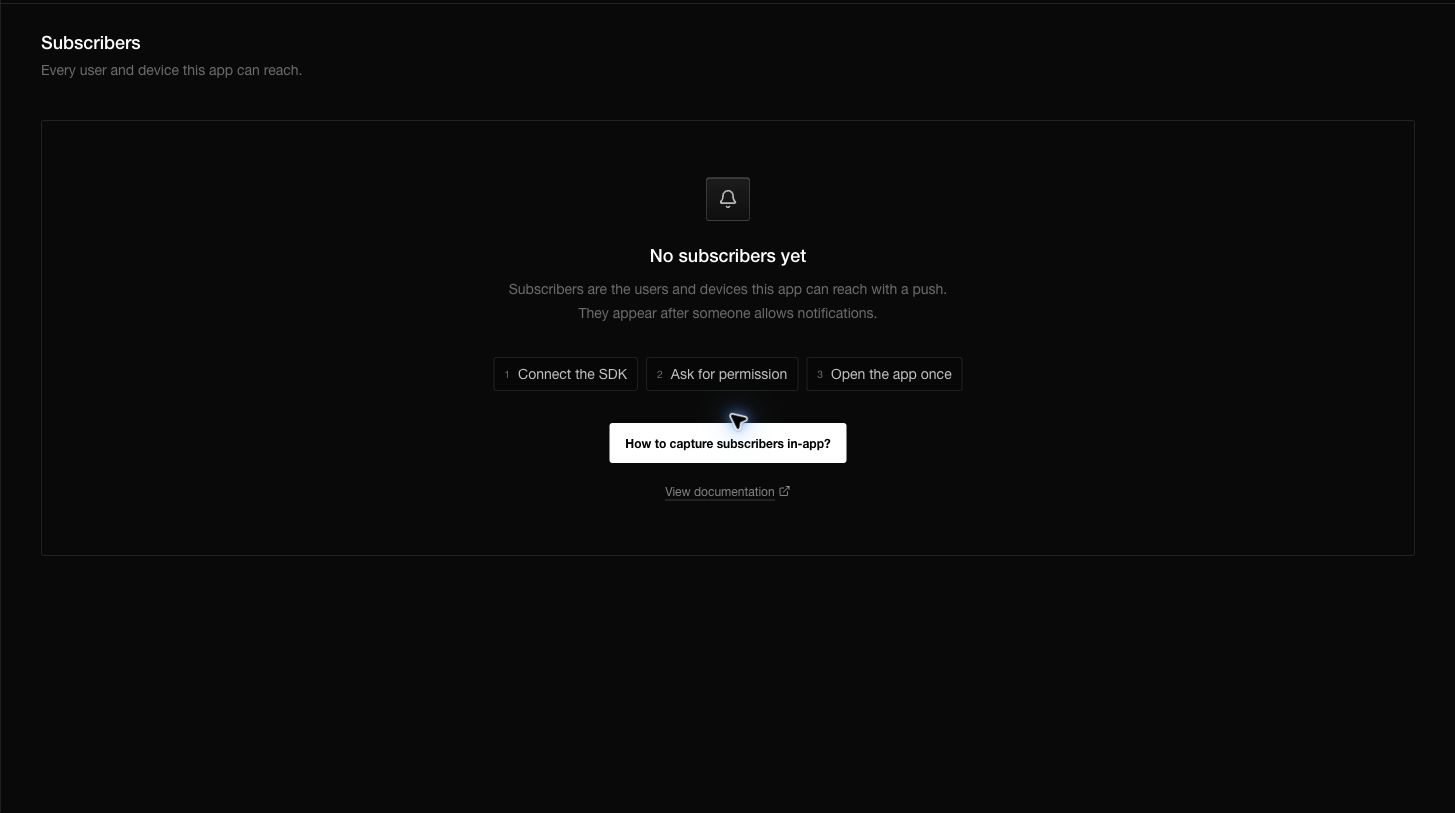
Capture the first subscriber
- Configure the SDK with the public key for the current environment.
- Start the SDK when the app opens.
- Ask the person for notification permission from a clear action in your app.
- Save the device after permission is known.
- Identify the person after sign-in if your app has accounts.
- Return to Subscribers and confirm the device appears.
The live empty state presents the same sequence: connect the SDK, ask for permission, and open the app once.
Understand identity
Use external_id for the stable user identifier from your own system. Use an anonymous identifier before sign-in. When the person signs in, identify the existing device instead of creating a second unrelated record.
A subscriber can also contain a name, email, device information, locale, timezone, country, attributes, and tags. Attributes hold structured facts such as a plan or trial state. Tags are simple labels such as beta_tester.
Understand permission and status
These values answer different questions:
- Permission says what the operating system allowed: granted, denied, or not determined.
- Notifications enabled is the preference controlled by your app or dashboard.
- Status says whether Notifiable treats the subscriber as active.
- Token/provider gives the delivery service a destination.
A device is normally deliverable only when it is active, notifications are enabled, permission is granted, and a usable token and provider exist.
Use the subscriber page
Search can match identity, device, and token fields. Platform and permission filters help isolate setup problems. Open a row to inspect the full subscriber record.
Bulk actions can subscribe, unsubscribe, request permission, or delete selected records. Request permission does not open an operating-system prompt from the dashboard. It records a request that the client SDK can act on the next time that device is saved.
Questions you may have
Why is a user listed more than once?
Each row represents a device. Compare the device identifier and external user identifier.
Why is a subscriber present but not receiving messages?
Check permission, enabled status, token, provider, platform delivery configuration, and environment.
Does unsubscribe delete the person?
No. It keeps the record and stops notifications. Delete removes the subscriber record.
Why did a token move to another device?
A push token is unique inside an app environment. Saving the same token for a new device associates it with the new device.
Can an AI agent use subscriber data?
Yes, through the documented API and only with the credentials and scope you give it. Treat emails, device identifiers, tokens, and attributes as sensitive data.