
Learn
Track events







An event records something that happened for a subscriber, such as trial_started, cart_abandoned, or order_shipped. Events make application behavior available to segments, notifications, and automations.
Record an event
Send a stable event name, identify the subscriber, and add only the properties needed by downstream logic. Prefer lowercase names with underscores and document their meaning in your application repository.
Example event vocabulary:
account_created
trial_started
subscription_upgraded
order_shipped
Do not put passwords, authentication tokens, payment details, or unnecessary personal data in event properties.
Verify the event
- Use a development build and development public key.
- Trigger the action once.
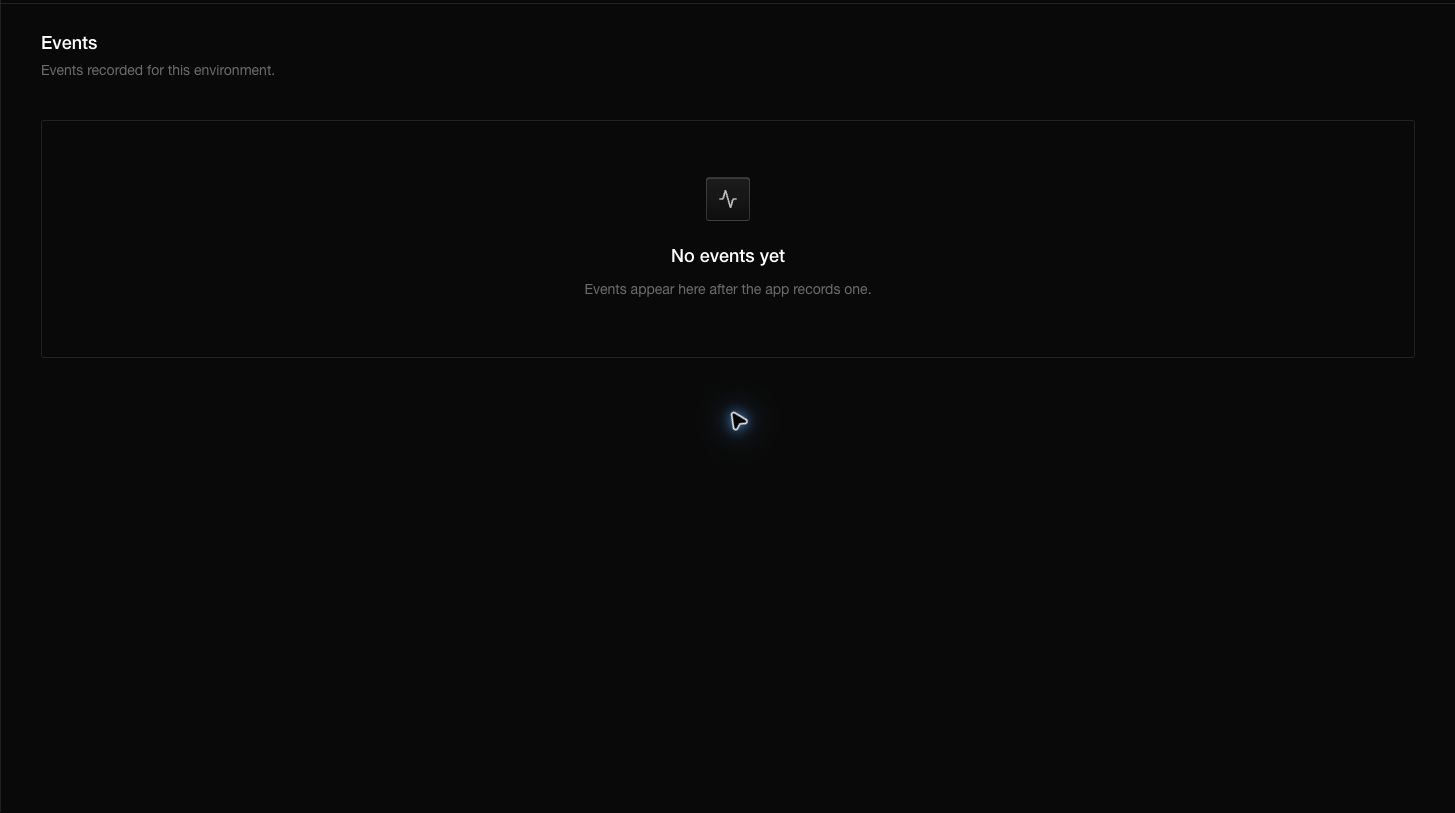
- Open Events in the development dashboard.
- Find the event and check its subscriber, name, properties, and time.
- Only then use the name in a segment or workflow.
The Events page belongs to the active environment. An event recorded with the development key will not appear in Production.
Use events
- A segment can match subscribers who recorded an event name at least once.
- The notification composer can use an event name as an audience.
- A published automation can start when a matching event is recorded.
- A webhook can forward named application events to your backend.
Questions you may have
Does recording an event send a notification?
No. A published automation must listen for that event, or you must send a notification separately.
Why is the event missing?
Check the environment key, request result, subscriber identity, exact spelling, and selected dashboard environment.
Can event properties define an audience?
Use subscriber attributes for durable profile data. Use event properties for facts about one occurrence unless the API or workflow step explicitly supports those properties.
Should event names change over time?
Treat them like an API. Add a new name deliberately and update every producer and consumer together.